Fingerprint Card
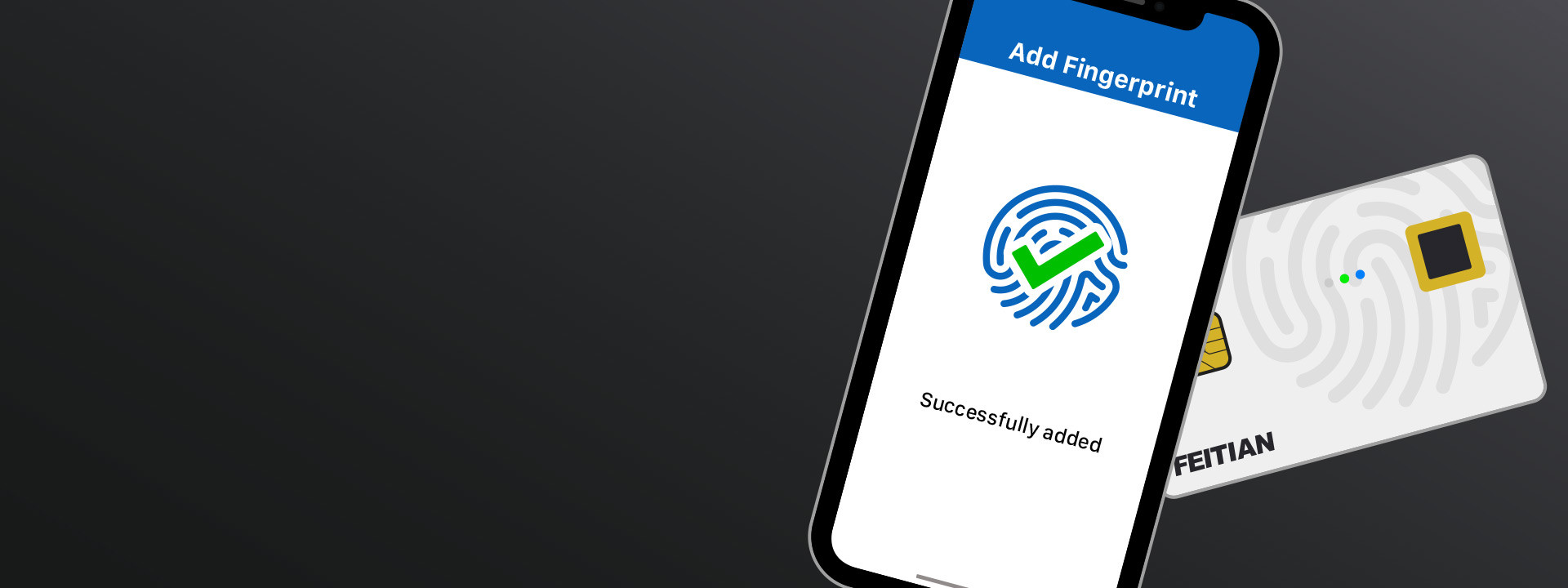
Start using
FEITIAN FIDO Card
Thank you for choosing FEITIAN FIDO Card.
Before start using your FIDO Card, please read the user manual carefully, and if required by the model of the card, please download the Fingerprint Card Manager App on your mobile devices first.
How to distinguish between different models
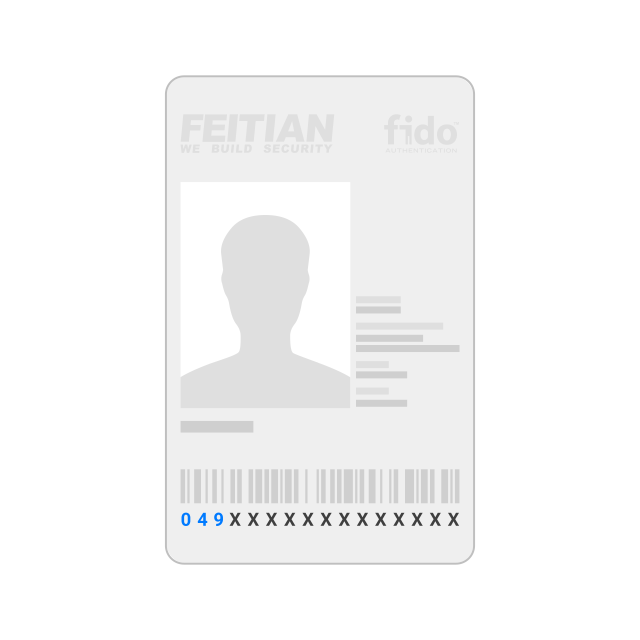
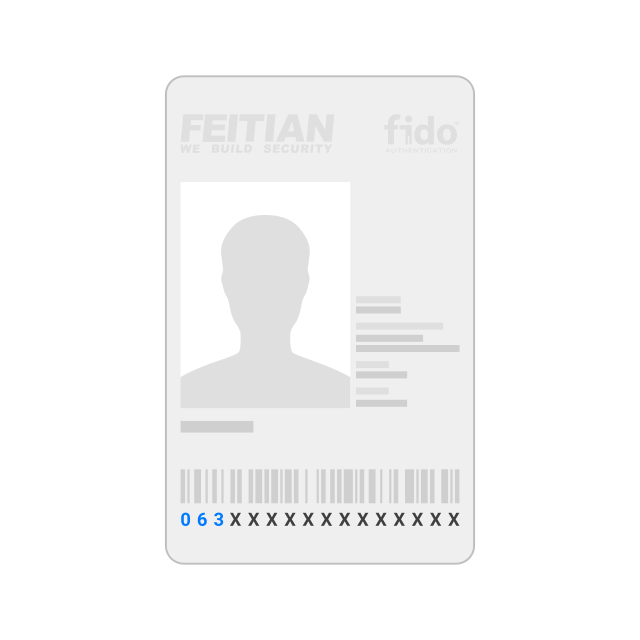
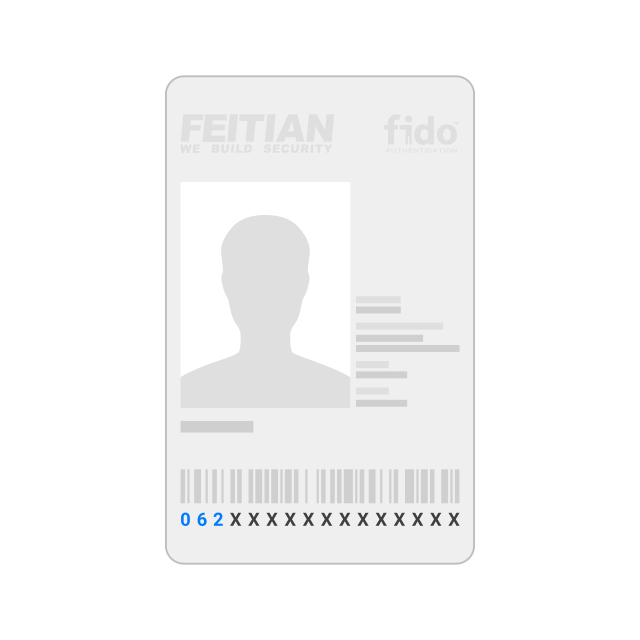
You can distinguish FEITIAN FIDO Card by checking its serial number, which is located on the back side of the card as shown below:
F1000_A
FEITIAN FIDO Card F1000_A has serial number starting with “049"
F1000_B
FEITIAN FIDO Card F1000_B has serial number starting with “063"
F2000_A
FEITIAN FIDO Card F2000_A has serial number starting with “062"
For F1000_A and F1000_B
The fingerprint enrollment process of FEITIAN FIDO Card F1000_A and F1000_B requires a mobile app and Bluetooth interface, please download the Fingerprint Card Manager App on your iOS devices from App Store or Android devices from Google Play to enroll your fingerprint.


Fingerprint Card Manager App
View User Manual
For F2000_A
In collaboration with Microsoft, the fingerprint enrollment process of FEITIAN FIDO Card F2000_A can be done directly through Windows settings page(Sign-in options/Security keys), which makes fingerprint card easy and convenient to use for end users. For other platform users, FEITIAN is flexible to do a customization design and desires to meet all requirements.
View User Manual
 京公网安备11010802041806号